Looking to master Luminar Neo without spending months learning every tool on your own? This comprehensive Luminar Neo Course by photography expert Stephen Walton teaches you how to use Luminar Neo’s powerful editing features to create stunning, professional-quality images.
What You’ll Learn:
Essential and advanced Luminar Neo editing tools
Photo editing workflow and efficiency
Create professional-quality edits with confidence
Practical techniques through step-by-step lessons
Why Choose This Luminar Neo Tutorial?
Created by renowned photography educator Stephen Walton
CPD-certified training
Easy-to-follow modules with practical lessons
Develop the skills needed to produce high-quality photo edits
Whether you’re new to Luminar Neo or looking to refine your editing skills, this course provides the guidance needed to take your photography to the next level.
Contents Of The Luminar Neo Course
• Module 1: Setting Up in Neo
• Module 2: Importing Images & Presets
• Module 3: Basic Photo Adjustments
• Module 4: Landscape Adjustments
• Module 5: Creative Adjustments
• Module 6: Portrait Retouching
• Module 7: Extensions & Professional Tools
• Module 8: Masking & Background Removal
• Module 9: Layers
• Module 10: Exporting Your Photos
• Module 11: Extensions - HDR Merge
• Module 12: Extensions - Focus Stacking
• Module 13: Extensions - Upscale
• Module 14: Extensions - Panorama Stitching
• Module 15: GenErase, GenSwap, GenExpand
• Module 16: Landscape Retouching
• Module 17: Wildlife Retouching
• Module 18: Sunsets Retouching
• Module 19: Astrophotography Retouching
• Module 20: Portraits Retouching
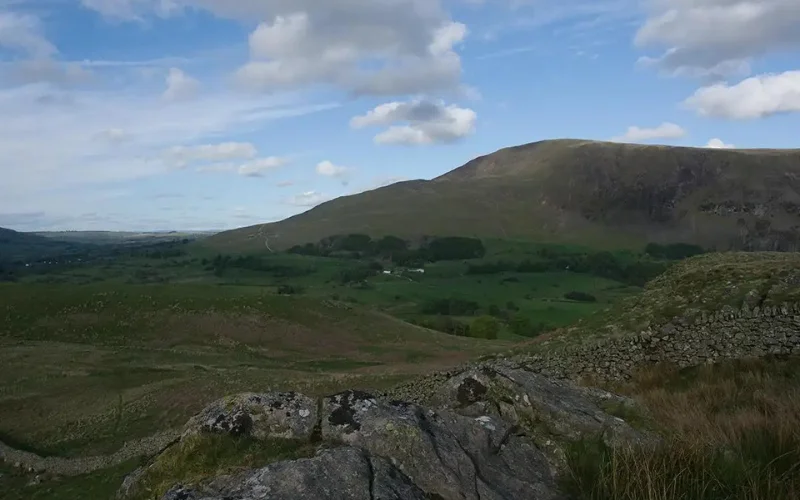
Before and After Results You Can Create With This Luminar Neo Guide
What This Luminar Neo Course Covers
• 20 Module Luminar Neo Online Training
• 5 Edit with Me Lessons
• Lifetime Course Access
• PDF Course Completion Certificate
• Access to Member Feedback Gallery
• FREE: 4 Luminar LUT files
• BONUS: Luminar for iPad Module
• BONUS: 5 HD Downloadable Course Files
Delighted Customer Reviews
Janice Pennington
I signed up for this course in 2014. I made it through module 3. My husband passed and it altered my life. Ten years later I dug my camera out and wanted to return to learning. I emailed iPhotography and they were able to update my information. This company is not only a quality course but are a very reputable company. They are very responsive and really care about you as a person. Their content is excellent. I highly recommend this company!
Emma Thorn
The photography course was amazing and I learnt and enjoyed so much about how to work and find new ways of taking amazing photos. Thanks so much iphotography
Mrs Sheppard
An all inclusive photography experience, tuition that you can do at own pace, free weekly/monthly challenges which make you pick up camera and think outside the box, interactive constructive critics, in person workshops, and the feeling of belonging to a community. Great tutors too.
Maria Garcia Marten-Ellis
I have always loved Photography but never knew how to make my pictures look better. Since I started Iphotography I have learned so much and I can see the difference in how I take my images now. You learn at your own pace and the tutors are very helpful in giving you advice. You don't feel pressed in a classroom setting as it is more like a family of photographers!
John Stevens
The course is entertaining and very informative with plenty of technical information regarding both taking and printing your photos. Some of the more technical parts need returning to a couple of times, depending on your technical knowledge and ability but persevere and it comes good in the end. Whatever level you are in photography terms the course offers a comprehensive tutorship and you take how much (or little) you want from it but, be assured, you will be a better photographer at the end of it
How This Course Helps You Become a Better Photo Editor
This course is created for complete beginners, focusing on essential professional techniques and teaching how to master the powerful Luminar 4 AI photo editor like an expert.
Importing & Retouching
Navigation & Layering
Sky Replacements & Enhancements
Brightness & Contrast
Cropping & Exporting
Meet The Instructor- Stephen Walton
Stephen Walton is the head tutor at iPhotography, he has always been a Photoshop and Lightroom user, but after using Luminar Neo, he has uncovered the best way to save time while editing.
With the Luminar Neo course, he wants to share how you can completely change the way you edit your photos.
In his course, he shows how you can spend less time on editing and still get the best results.
Frequently Asked Questions
What will I learn in this Luminar Neo course?
This course teaches you how to master Luminar Neo's full potential — from AI-powered tools and layer blending to professional retouching and photo enhancement techniques.
Is this course suitable for beginners?
Yes! The course is beginner-friendly and guides you step by step, making it ideal for those new to Luminar Neo as well as photographers wanting to sharpen their editing skills.
How do I access the course after purchase?
Once your purchase is complete, you’ll receive an email with access details and instructions to begin the course immediately.
Can I watch the course at my own pace?
Yes, the course is pre-recorded, allowing you to learn at your own pace with lifetime access to all materials.
Do I need to have Luminar Neo installed to take this course?
It’s highly recommended to have Luminar Neo installed so you can practice alongside the lessons and apply what you learn in real time.
What will I learn in this Luminar Neo tutorial?
You'll learn how to use Luminar Neo's editing tools, improve your photo editing workflow, enhance images professionally, and apply creative editing techniques to achieve high-quality results.
Will this course help me edit photos faster?
Yes. The course teaches efficient workflows and practical editing techniques that can help you save time while achieving professional-quality results.
Can I use the skills learned in this course for professional photography?
Yes. The course covers techniques used by photographers to create polished, professional-looking images suitable for client work, portfolios, and personal projects.
Why should I learn Luminar Neo instead of other photo editing software?
Luminar Neo offers AI-powered editing tools, an intuitive interface, and powerful features that help photographers achieve professional results with less time and effort compared to many traditional editing workflows.