Bring Back Autumn in Your Pictures with One Click!
The autumn season is known to have a unique power to evoke different emotions and stir one’s soul.
It is an undeniably beautiful season where you take self-care a little more seriously – or at least, you ought to.
One of the emotions autumn evokes is nostalgia as you begin to reminisce the bittersweet and comforting memories of past autumns.
But what if you can bring back the feel of autumn without being in the season? Thanks to fall Photoshop action.
You can bring back the cozy magic of the fall without the season itself.
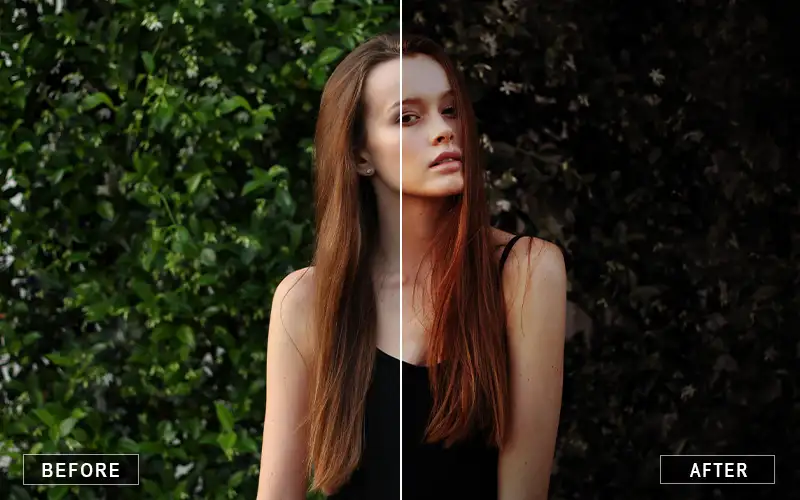
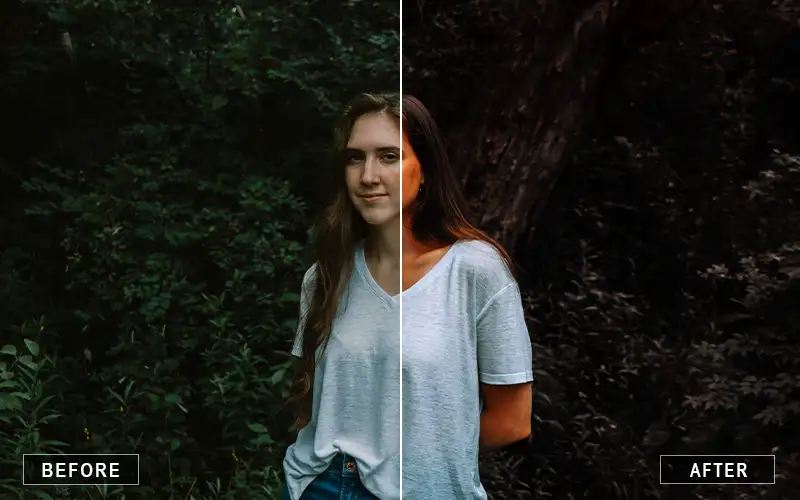
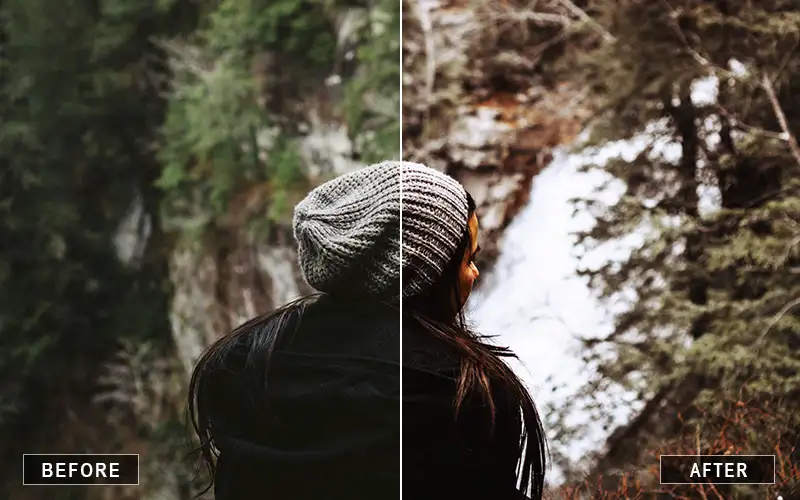
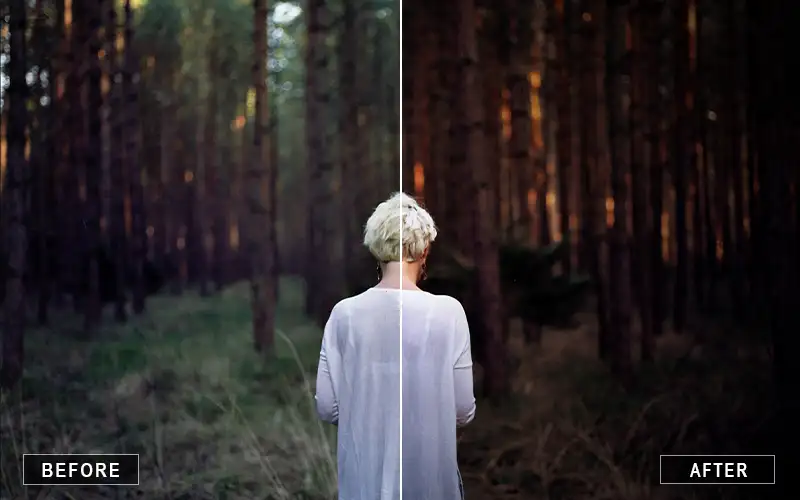
This autumn action consists of several features that will infuse an Autumn season effect in your images.
Don’t worry about the green in the pictures; you can eliminate them with just a few clicks.
Then, watch as they transform into dry, warm, romantic reds, oranges, and yellows!
This autumn Photoshop Action is the perfect one-stop for professional and beginner photographers.
There is enough selection of stand-alone autumn action you can use in your images, regardless of your skill level. With this bundle in your hands, imagine the magic you can create with just the click of your mouse.
Glimpse Of This Autumn Action
Create Realistic Autumn Photos With These Fall Photoshop Action
In one click, your photos, regardless of the number of green leaves, will give off that “autumn” feeling you desire.
Furthermore, the fall photoshop action also works in Photoshop Elements, and you can edit the results completely once you’re done.
This helps you mask out the effect of the action and give it an even more perfect look.
Applying this autumn sensation action in the photos will create a nostalgic, romantic feeling in your clients.
What software do I need to use these autumn actions?
These actions are designed to work with Adobe Photoshop and are compatible with both Windows and Mac computers.
Can beginners use these Photoshop actions?
Yes. The actions are beginner-friendly and allow anyone to create professional autumn-inspired edits without advanced Photoshop knowledge.
What types of photos work best with these autumn actions?
These actions are ideal for portraits, family photography, engagement sessions, outdoor photography, nature photography, travel photos, and lifestyle images.
Can these actions turn green leaves into autumn colors?
Yes. One of the key features of this bundle is green removal, which transforms green foliage into beautiful shades of orange, red, yellow, and bronze.
Make Magic With Autumn Action Now!
Reviews
There are no reviews yet.
Be the first to review “Beautiful Autumn Photoshop Action” Cancel reply













Reviews
There are no reviews yet.